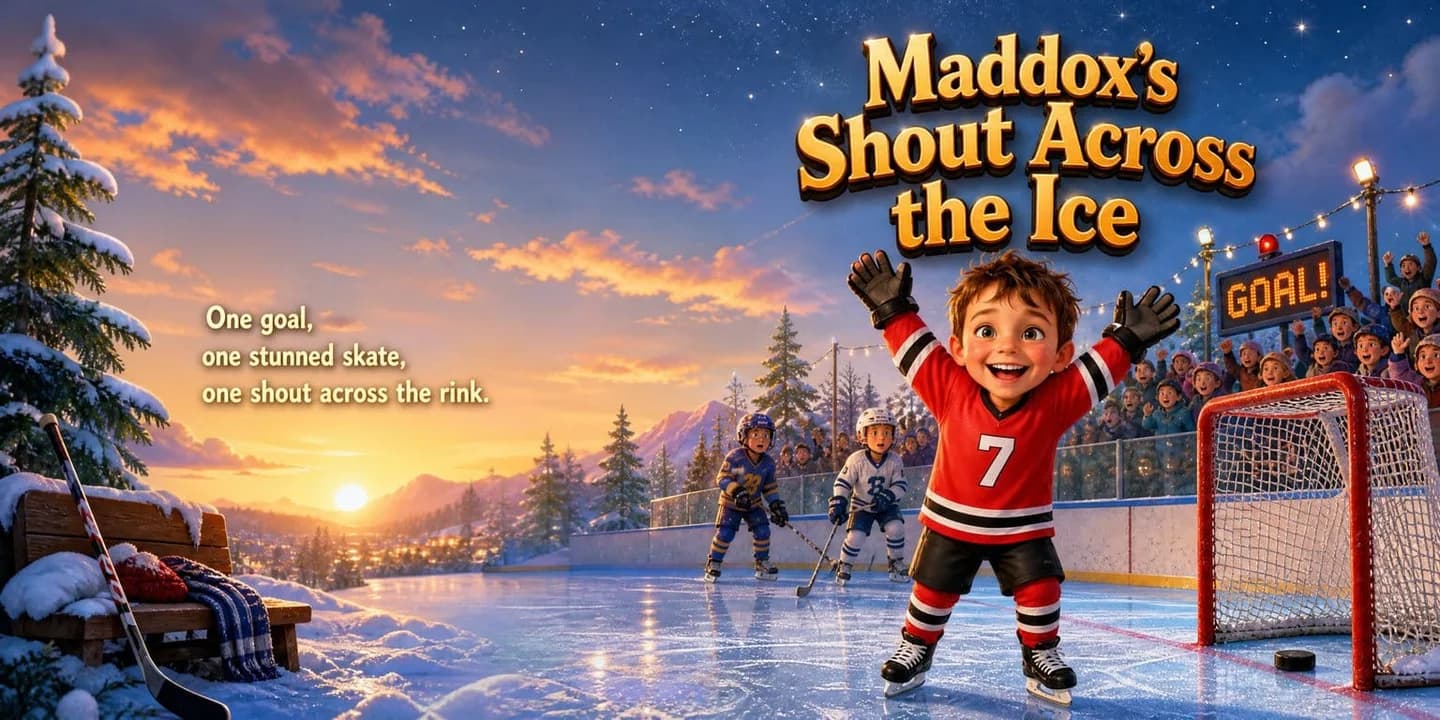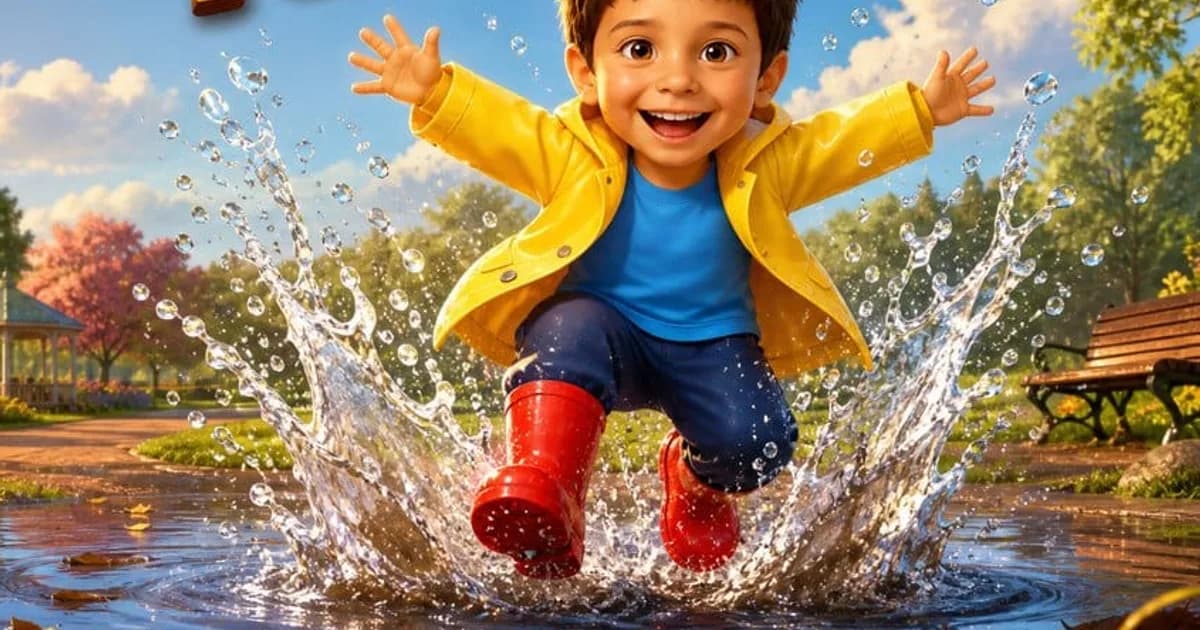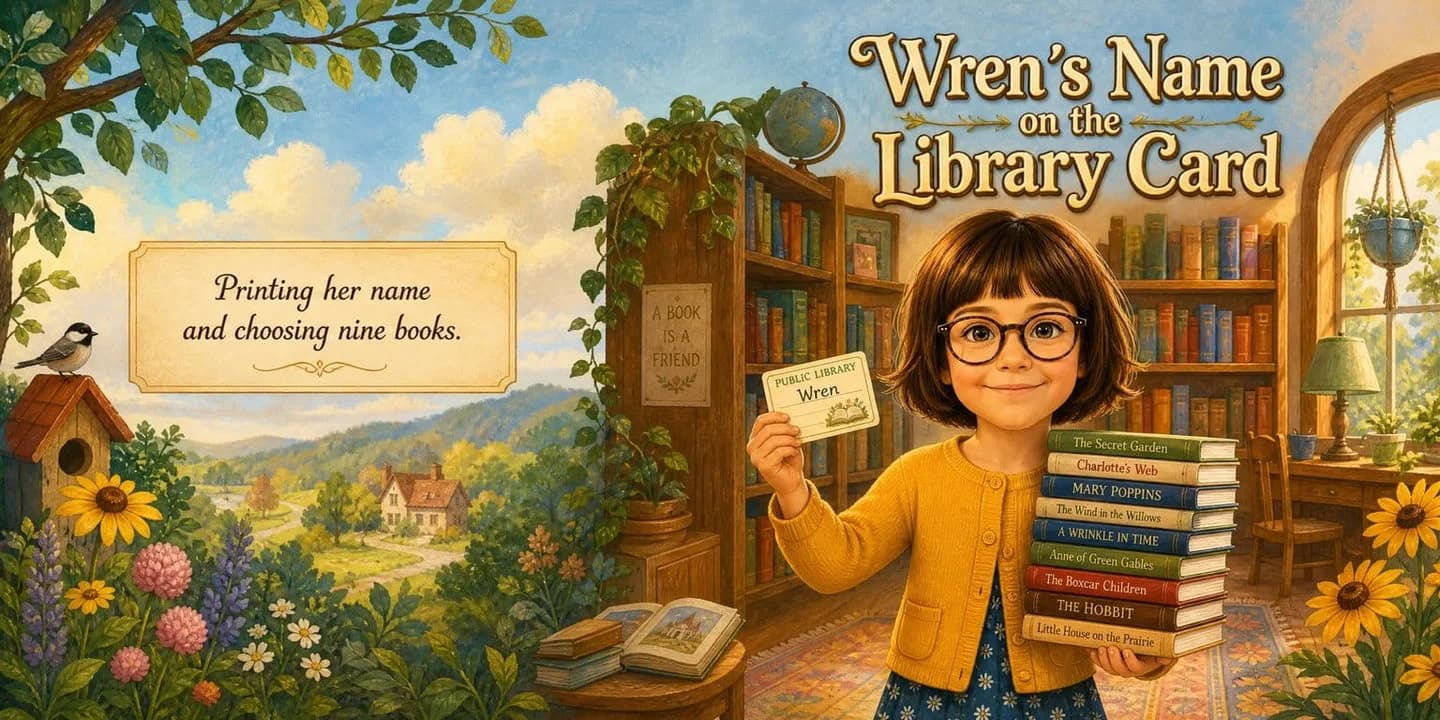
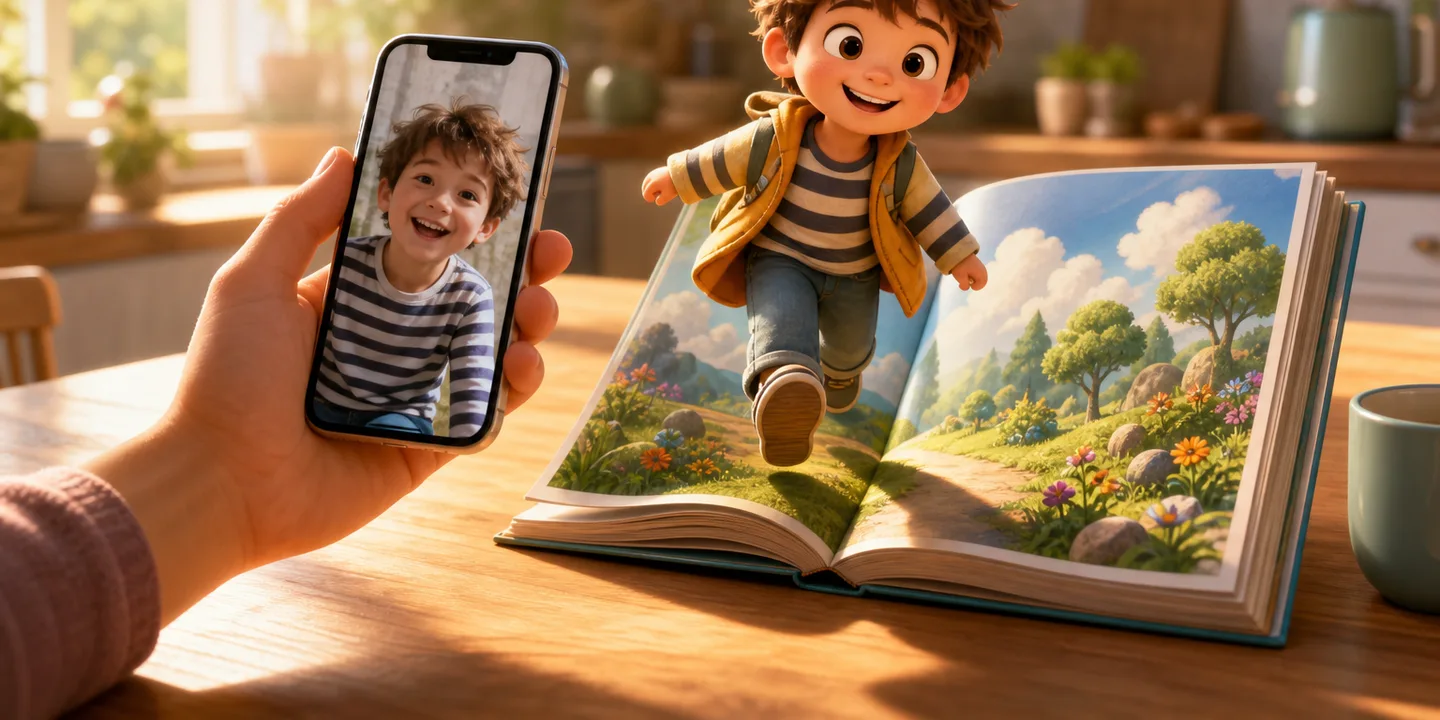
A personalized children's book used to mean a template: the same pictures every family gets, with your child's name dropped into the gaps (the classic example is explained in how the Lost My Name book works). That has changed. Today you can add a photo and get a complete, professionally illustrated storybook in which the child on every page actually looks like your child — same face, same hair, same little grin, from the cover to the last spread.
Here is exactly how it works on KindFable, and how to get the best possible book out of a photo and a line about what actually happened.
Step 1 — pick a good photo#
You only need one, and it does not need to be professional. A phone snapshot is perfect if:
- your child's face is clearly visible — front-on or close to it, eyes open;
- the photo is reasonably bright — daylight beats a dim living room;
- nothing covers the face — no sunglasses, no ski goggles, no superhero mask (yet — the costume comes later, in the illustrations).
Group shots work less well, simply because the system has to guess which child the book is about. One child, one clear face, and you are set.
Step 2 — tell the story seed#
You will be asked for a few small things: your child's name and age, a couple of interests (dinosaurs, space, ballet, diggers), and — if you like — a short note about something that really happened this week. That note matters more than it looks: it becomes the emotional spine of the story, so "she was nervous about her first swimming lesson but jumped in anyway" produces a much more personal book than no note at all.
You can also add up to three companions — a parent, a grandparent, a pet, a favourite toy, or an imaginary friend — and they stay visually consistent through the book too.
Step 3 — the avatar, and what happens to your photo#
From your photo, KindFable paints your child once as a storybook character, and every page of the book is painted from that same character. That is what keeps the hero looking like the same child on every page — the weak point of most AI-generated books.
One thing worth knowing as a parent: we never save the original photo — not to our storage, our database or our logs, and we keep no face template and run no face matching. The book keeps the cartoon character. What we will not pretend is that the photo never leaves: it is sent to our AI provider in the United States to be checked and drawn, and that provider handles it under its own terms. The full detail is on our privacy page.
Step 4 — meet your child on the cover, free#
Within a few minutes you will see the painted cover of your child's own book — and that is deliberate, because the cover is where the likeness either convinces you or doesn't. A personalized book is only worth buying after you have seen your own child in it. No card is needed to get this far.
Once you go ahead, the rest of the book paints itself the same day: wide, cinematic scenes with the story text set into them, across a 32-page picture book.
Step 5 — choose how to keep it#
- Softcover — from $39 — the full digital book plus a printed 8.5 × 8.5 inch square copy shipped to your door.
- Hardcover — $69, free shipping — the premium version of the same, and it includes a free narrated audio story of the book. (The story's own song is free with every book.)
- Either way you also get the digital book to read online and download as a PDF, and you confirm the final book before anything is printed.
Can I start from a finished story instead of writing one?#
Yes. Steps 2 onwards describe writing your own story from a note. If you would rather not, the shop has finished stories where you only add the photo and the name — and the photo works exactly as described above: your child is painted into every page.
One of them is Your Child and the Golden Crown. A kingdom hides behind closed shutters, a dragon as big as a hill sits on Thistle Hill, and a crown that only shines for the bravest heart goes on the head of the smallest princess there has ever been. The sample below stars Isabella, who is six, with her little brother Oliver, and you can see her photo beside the character she became. It opens: "In the golden kingdom of Sunmere, every shutter was closed. A dragon sat on Thistle Hill." Read it below, or open the personalized princess book to put your own child in it.
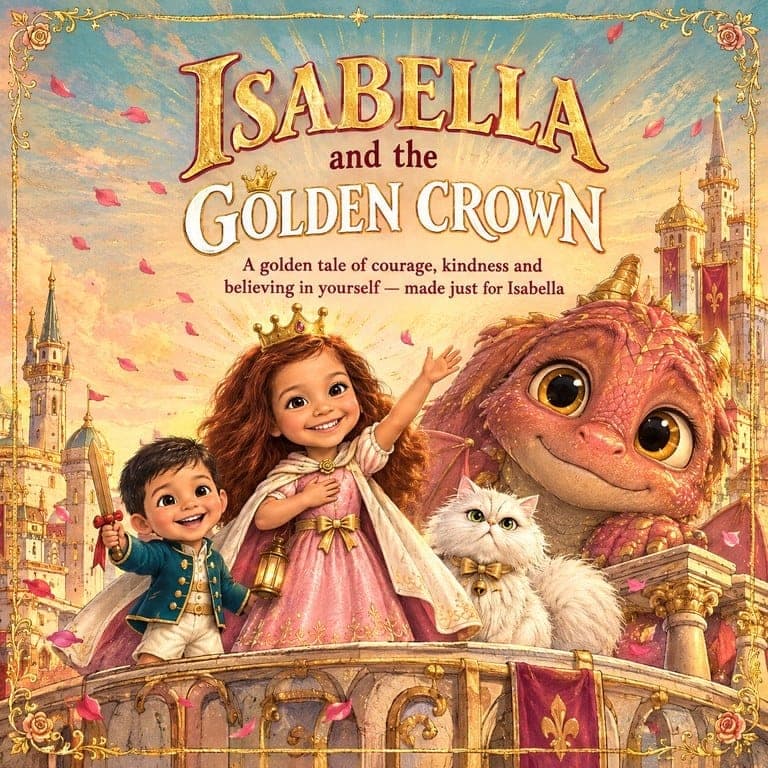

A book from our shop · ages 3–7
Your Child and the Golden Crown
A kingdom hiding behind closed shutters, a crown that will only shine for the bravest heart, and the smallest princess there has ever been — who walks up to a dragon as big as a hill and finds out what brave really means.
Shown here starring Isabella, 6. Yours is painted with your own child’s face and name on every page, from $39 — and you see the pages before you pay.
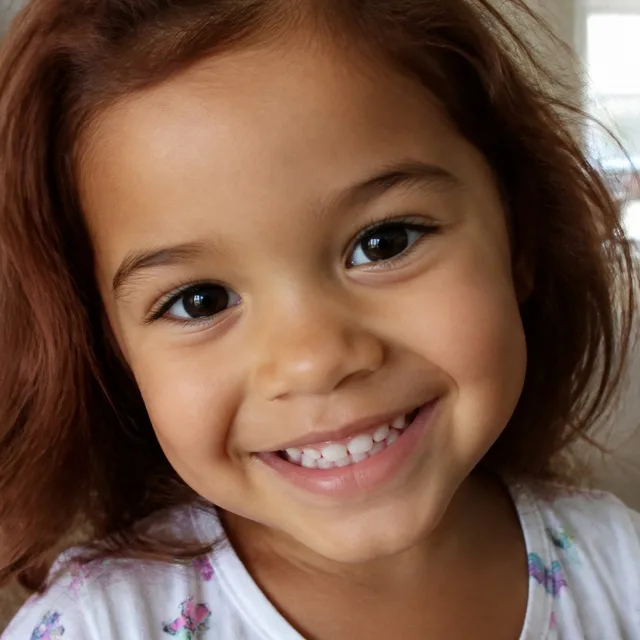
The photo they uploaded
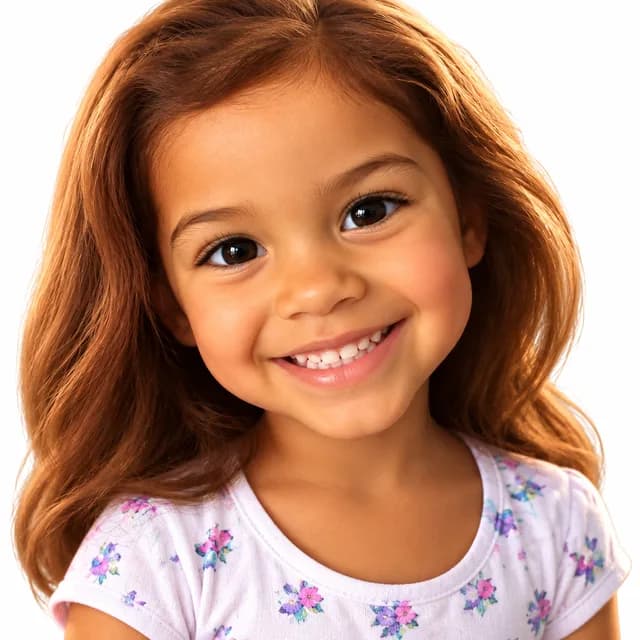
The character we drew
Written from this story — not a stock track with a name dropped in. Free with every book.
How the story begins
- 1In the golden kingdom of Sunmere, every shutter was closed. A dragon sat on Thistle Hill. The Great Bell had not rung for a HUNDRED days. “The whole kingdom is waiting for a brave princess,” said Oliver. “It can't be me,” said Isabella. “I'm the smallest princess there has ever been.”
- 2On its cushion lay the Crown of Sunmere. “It shines,” the old story said, “for the BRAVEST heart.” Isabella put it on. It did not shine. Not even a little. “It's just sleepy,” said Oliver. “It's just honest,” said Duchess.
- 3That night the dragon ROARED. The shutters rattled. The chandelier swung. “I'm scared,” whispered Oliver. Isabella was scared too. But she looked at her little brother, and she said, “Then I'll go.”
The rest of the story is in Your Child and the Golden Crown.
The words to the song
[Verse 1]
In a golden town where the shutters were shut,
A bell hung quiet and a dragon sat.
“It can't be me,” said the smallest one,
“I'm not brave enough” — but the day had begun.

[Chorus]
I'm not sure I can... but I'll go anyway!
Scared and going, going anyway.
One step, two steps, knees that shake —
That's what brave is, for goodness' sake!

[Verse 2]
Through the wood that watched and the bridge that swayed,
With a cat in her cape and a brother unafraid,
She sang out loud so her knees wouldn't show,
And every little step whispered, “Maybe... I know.”

[Verse 3]
The dragon was big as a hill and more,
But she saw the tear that was under the roar.
She pulled out the thorn — one, two, three, POP! —
And the crown on her head went glow... and stop... and TOP!

[Chorus]
I think I can... yes, I'll go anyway!
Kind and going, going anyway.
Ring the bell and open the door —
“I CAN,” she said, “and I could before!”

[Outro]
So when you're small and the world is tall,
And you're not so sure you can do it at all,
Say it soft, then say it strong:
“I'm scared — and I'm going.” You can't go wrong.
Why the face matters is not only sentiment. Reading Rockets' conversation on mirrors, windows and sliding glass doors explains why children engage differently with a book that mirrors their own lives — and a book with their own face in it is the most literal mirror there is.
A few tips from books that turned out brilliantly#
- Use the real week. Books built on an actual small moment — a lost tooth, a thunderstorm, a new bicycle — read like family history, not like content.
- Let your child pick the art style. Watching a four-year-old choose between watercolour and claymation is half the fun.
- Read it together the first time. The moment a child recognises themselves on a cover is genuinely something — keep it for bedtime, not the car. Then keep reading it: the American Academy of Pediatrics' policy statement on literacy promotion recommends reading aloud with young children every day.
Ready to try it? Start with a photo and a moment — the preview is free, and the first reveal takes minutes. Or read complete sample books first to see real output. And if you're wondering whether seeing themselves on the page does anything beyond the smile, the brain-science case for personalized books walks through the studies. Comparing tools before you commit? The best AI childrens book generators, honestly compared puts every option side by side with real prices.
For the finished object this produces — and how to tell a painted-from-a-photo book from a name-swapped one — see a personalized picture book with your child painted in. If you would rather skip the explanation and just look at what it costs and what arrives, the short version lives on our page for a personalized children's book with a photo.